Start
Press Play Now and wait for the game to load in the browser player.
Press Play Now and wait for the game to load in the browser player.
Use mouse, keyboard, or touch controls depending on the game and your device.
Follow the in-game objective, improve your score, and replay to master each level.
Original game information helps players decide whether this game fits their session.
PC Artistic Lab is a High-Fidelity Raster Painting and Input-Smoothing simulator. Unlike mobile, it uses Bezier-Curve Smoothing to turn jittery mouse movements into clean brush strokes. The logic emphasizes Layer-Stacking and "Alpha-Channel Blending" for a more professional digital-art experience.
Clear instructions make the page more useful and reduce quick bounces.
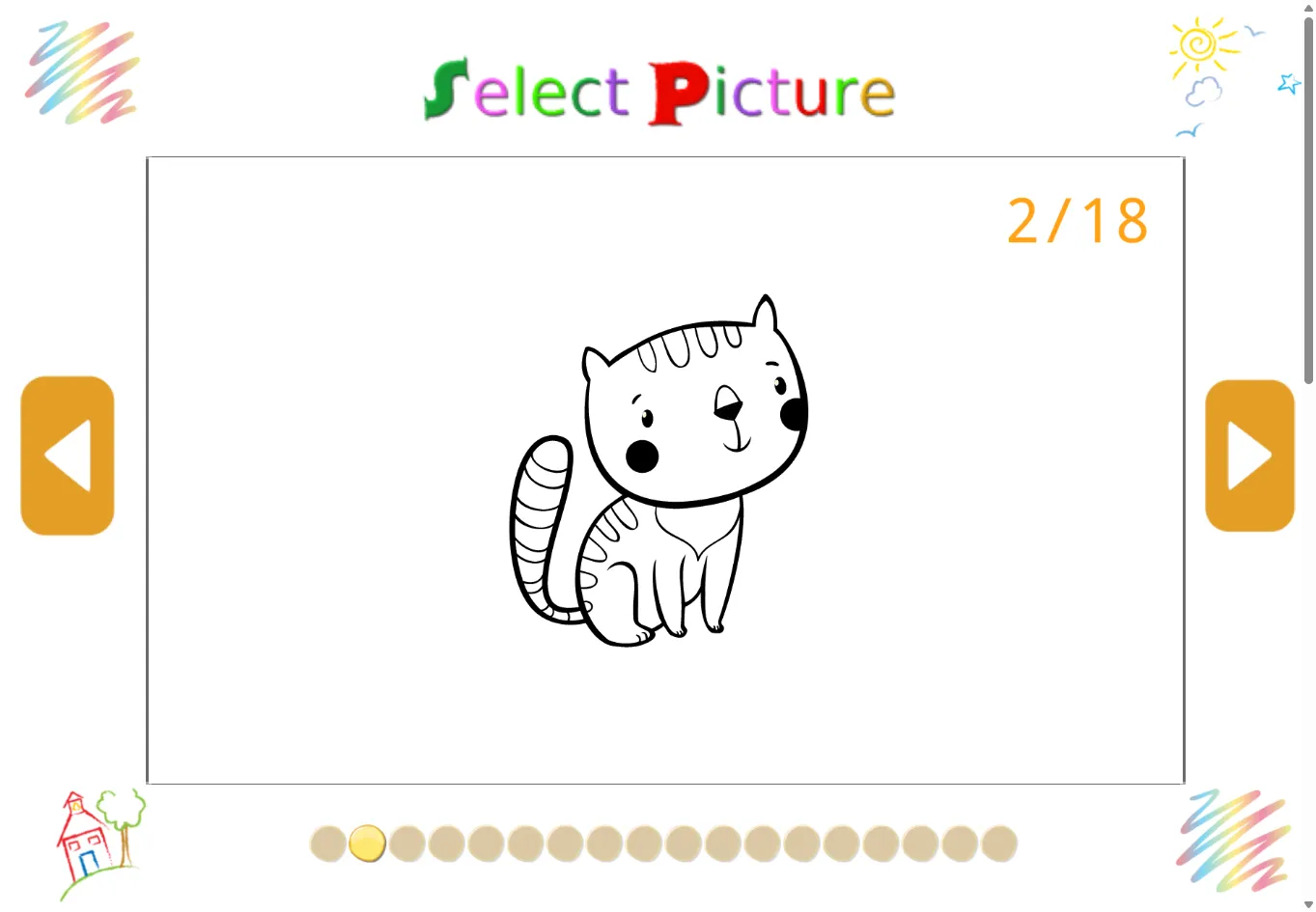
Use the mouse to select brushes and "Paint" on the canvas. The gameplay is Digital Illustration: color complex scenes using layering tools. Interaction involves Pressure-Simulation—the longer you hold the mouse button in one spot, the "Deeper" the color saturation becomes, mimicking real-world ink absorption.
Strategy content gives players a reason to read, replay, and explore similar games.
High scores are earned via "Gradient Sophistication." The pro secret is "Color Layering." Instead of one flat green, use the "Airbrush" to layer a light yellow on top and a dark blue on the bottom. This creates "Visual Depth" and "Volume," which significantly increases the "Finish Quality" score for the level.
Quick facts for players who scan before they start a game.
Start directly in your browser without installation.
Play on H5Joy without paying for access.
Designed for browser play across common devices.
Enjoy a focused session at your own pace.
Part of the puzzle games collection.
Find similar games after you finish a round.
Useful facts for players and clearer context for search engines.
Questions real players may ask before starting or replaying this game.
The lab supports up to 5 "Logical Layers" (Background, Mid-ground, Detail, FX, and Overlay), allowing for non-destructive editing of your artwork.
Yes. Holding the "Shift" key equivalent (or the on-screen toggle) locks the brush to a 0, 45, or 90-degree vector for clean architectural lines.
Yes. PC Artistic Lab can be played for free in your browser on H5Joy.
No download is required. Open the game page and start playing directly in your browser.
Many H5Joy games are mobile friendly. If this game supports touch controls, it can be played on phones and tablets as well as desktop browsers.
Try the related puzzle games listed on this page for similar themes, controls, or play styles.
Keep players exploring with related games from the same category and similar tags.